Introduction
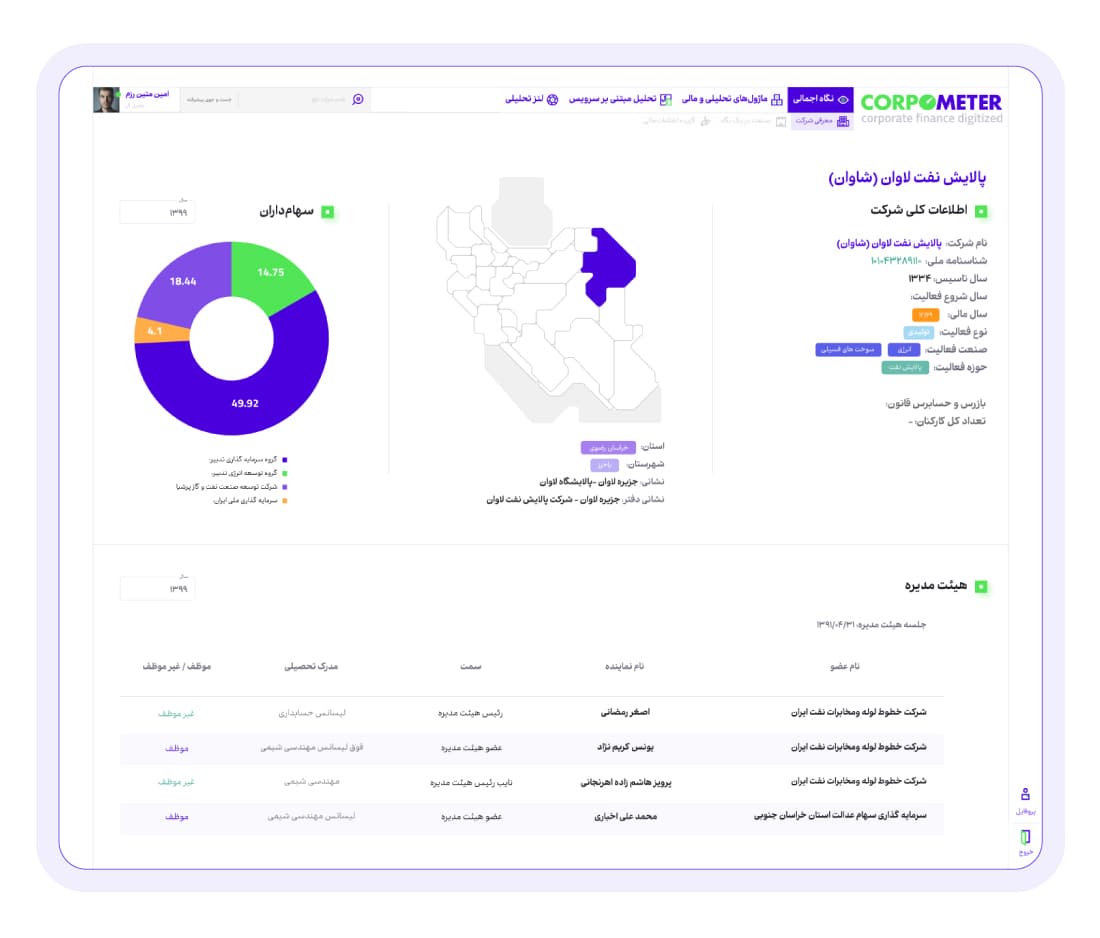
CorpoMeter is a platform designed to assist finance teams in the Middle East Bank in presenting all financial data in Iran to their investors. Experts utilize this platform to evaluate, analyze, and monitor the performance of approximately 500 companies in Iran.
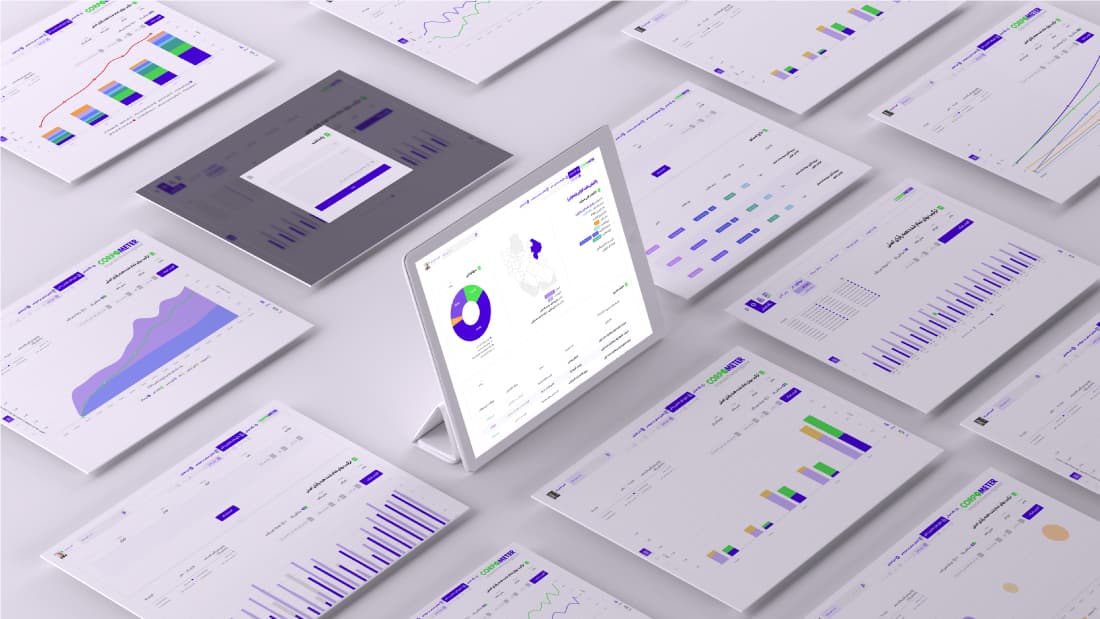
When we began redesigning the platform, we noticed that many charts and tables lacked utility in terms of color and grid design.
With so many charts available, users were likely confused and unable to locate the specific chart they were looking for. In other words, both the user experience and user interface of this product required a complete redesign.
Product
Finance Platform
What I did
User research & testing
UI Design
UX Design
Data Visualization
My Role
UX Researcher, UI/UX designer
Tools
Figma, Adobe Illustrator, Notion
Timeline
2022
Problem
In this project, the design team joined midway through the product development process, focusing primarily on redesigning and improving internal pages, charts, and optimizing the presentation of financial data for the bank's platform. Along with graphic design and visual identity work, we began analyzing and categorizing the data. The large number of categories created challenges with chart contrast and data differentiation.
A bigger challenge was that the platform's data was updated and expanded daily, and both the number of categories and the volume of financial data were expected to grow significantly.
As a result, the design needed to take a forward-thinking approach to ensure the expansion of categories, flexibility in the color scheme, and the ability to maintain fast data loading speeds as the data volume increased.
Redesign
Timeline
The project was completed over a four-month period, with the design, product development, and finance teams collaborating closely throughout the process.
Persona and User journey

Iman Abaspour
- Age
- 28
- Gender
- Male
- Education lvl
- Master Degree
- Occupation
- Quantitative Analyst
- Family status
- Single
- Location
- Tehran, Iran
Personality
Bio
Iman is a quantitative analyst at Middle East Bank who has 3 years of experience working in deep finance. He was always involved in quantitative data and charts.
One of his strengths is mastering the Python programming language and he is very interested in working in a field that requires programming and financial knowledge.
Goals
- To find financial information of a company in Iran
- To compare financial information of a company over a period of time based on years, months, and seasons
Challenges / Frustrations
- To find a specific chart
- Read information
- Make an export of charts
- See a full duration of times (like 20 years) in one plan

Iman Abaspour
28, Male (Single) · Master Degree, Quantitative Analyst · Tehran, Iran
UI Design
Color
After designing the logo and brand, the platform's primary colors were defined. Subsequently, the color scheme for the CorpoMeter platform was established, categorizing it into two groups: Platform and charts & tags. To create a color palette capable of displaying charts with one to twelve different data types simultaneously, an extensive analysis of similar models was conducted. Ultimately, inspired by the Brewer color model and IBM's color palette, six initial prototypes were proposed, leading to the development of a comprehensive color palette. To ensure color accessibility, multiple color blindness tests were performed on the samples.
Tag Colors
Color 2
#804DE7
R128 G77 B231
Color 3
#C9B3F5
R201 G179 B245
Color 5
#44AA99
R68 G170 B153
Color 6
#648FFF
R100 G143 B255
Color 7
#8BCCEE
R139 G204 B238
Color 9
#FFAD48
R255 G173 B72
Chart Colors
Color 1
#4A00DC
R74 G0 B220
Color 3
#C9B3F5
R201 G179 B245
Color 4
#51E556
R81 G229 B86
Color 5
#44AA99
R68 G170 B153
Color 6
#648FFF
R100 G143 B255
Color 7
#8BCCEE
R139 G204 B238
Color 8
#EECC66
R238 G204 B102
Color 9
#FFAD48
R255 G173 B72
| 1 option | #2C28BA | |||||||||||
| 2 Options | #2C28BA | #FE8828 | ||||||||||
| 3 Options | #2C28BA | #FE8828 | #1F75FE | |||||||||
| 4 Options | #2C28BA | #FE8828 | #1F75FE | #D52DB6 | ||||||||
| 5 Options | #2C28BA | #FE8828 | #1F75FE | #D52DB6 | #6030D2 | |||||||
| 6 Options | #2C28BA | #FE8828 | #1F75FE | #D52DB6 | #6030D2 | #FFC20D | ||||||
| 7 Options | #2C28BA | #FE8828 | #1F75FE | #D52DB6 | #6030D2 | #FFC20D | #27AA4D | |||||
| 8 Options | #2C28BA | #FE8828 | #1F75FE | #D52DB6 | #6030D2 | #FFC20D | #27AA4D | #6C5647 | ||||
| 9 Options | #2C28BA | #FE8828 | #1F75FE | #D52DB6 | #6030D2 | #FFC20D | #27AA4D | #6C5647 | #00D1C8 | |||
| 10 Options | #2C28BA | #FE8828 | #1F75FE | #D52DB6 | #6030D2 | #FFC20D | #27AA4D | #6C5647 | #00D1C8 | #FA3D39 | ||
| 11 Options | #2C28BA | #FE8828 | #1F75FE | #D52DB6 | #6030D2 | #FFC20D | #27AA4D | #6C5647 | #00D1C8 | #FA3D39 | #76DB73 | |
| 12 Options | #2C28BA | #FE8828 | #1F75FE | #D52DB6 | #6030D2 | #FFC20D | #27AA4D | #6C5647 | #00D1C8 | #FA3D39 | #76DB73 | #D5D5D5 |
Example: for 4 sections of data in a chart, we use these colors
Font
Titillium
Aa Bb Cc Dd Ee Ff Gg Hh Ii Jj Kk Ll Mm Nn Oo Pp
Qq Rr Ss Tt Uu Vv Ww Xx Yy Zz
1 2 3 4 5 6 7 8 9 0
! @ # $ % ( * )
آریا
آ ا ب پ ت ث ج چ ح خ د ذ ر ز ژ س ش ص ض
ط ظ ع غ ف ق ک گ ل م ن و ه ی
۰ ۱ ۲ ۳ ۴ ۵ ۶ ۷ ۸ ۹
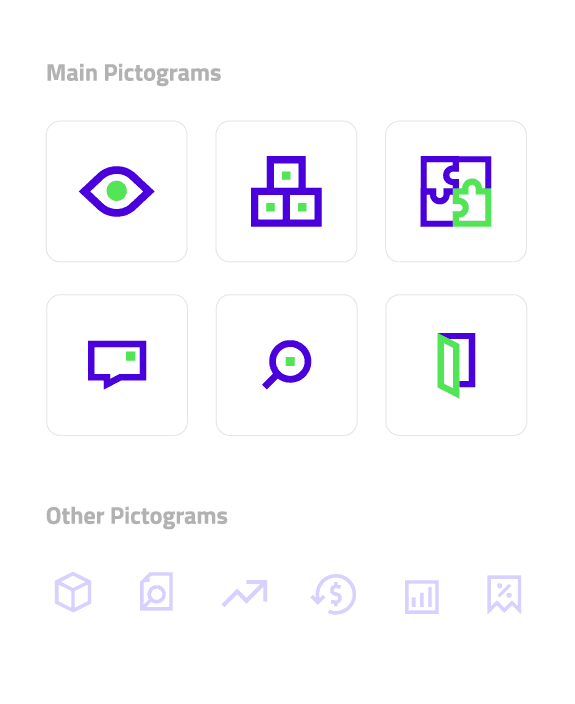
Icon
Components
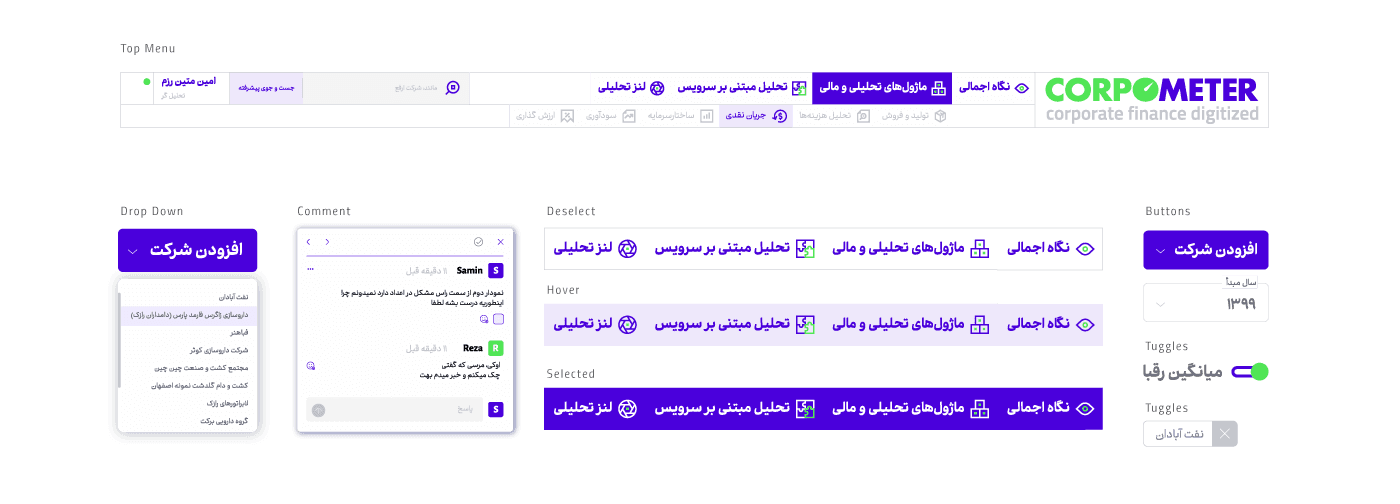
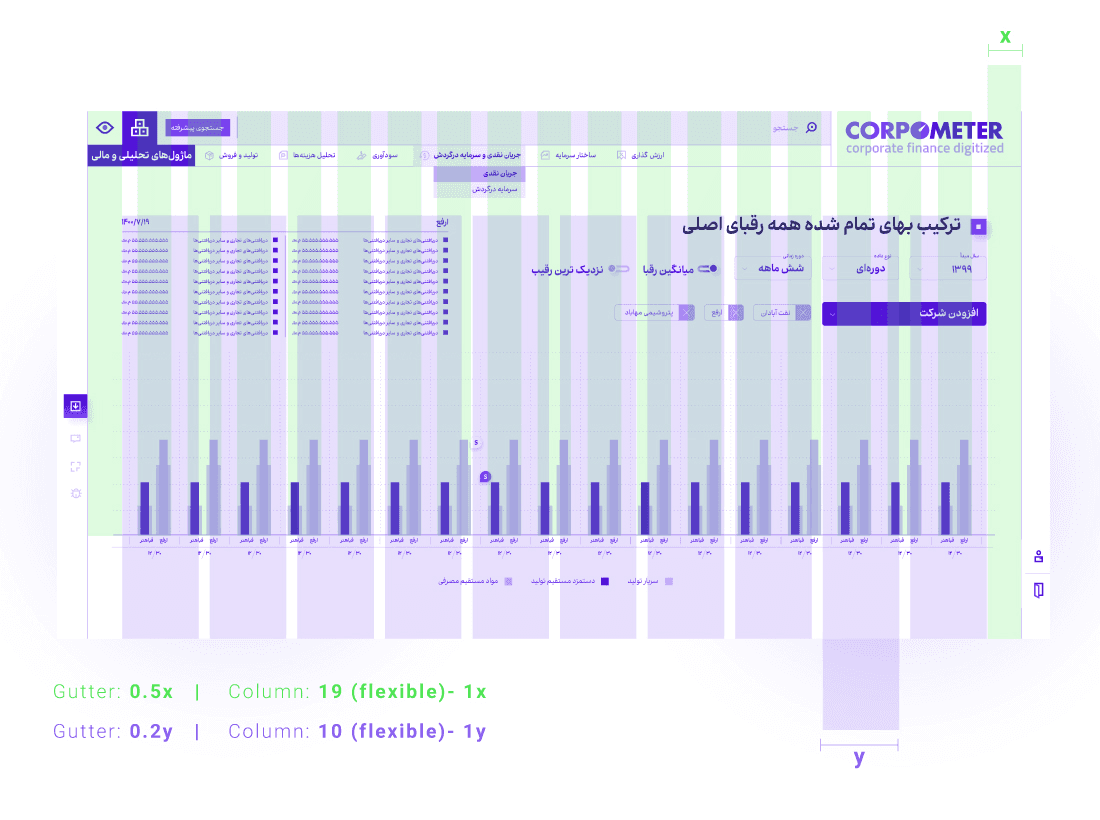
Grid